Introduction
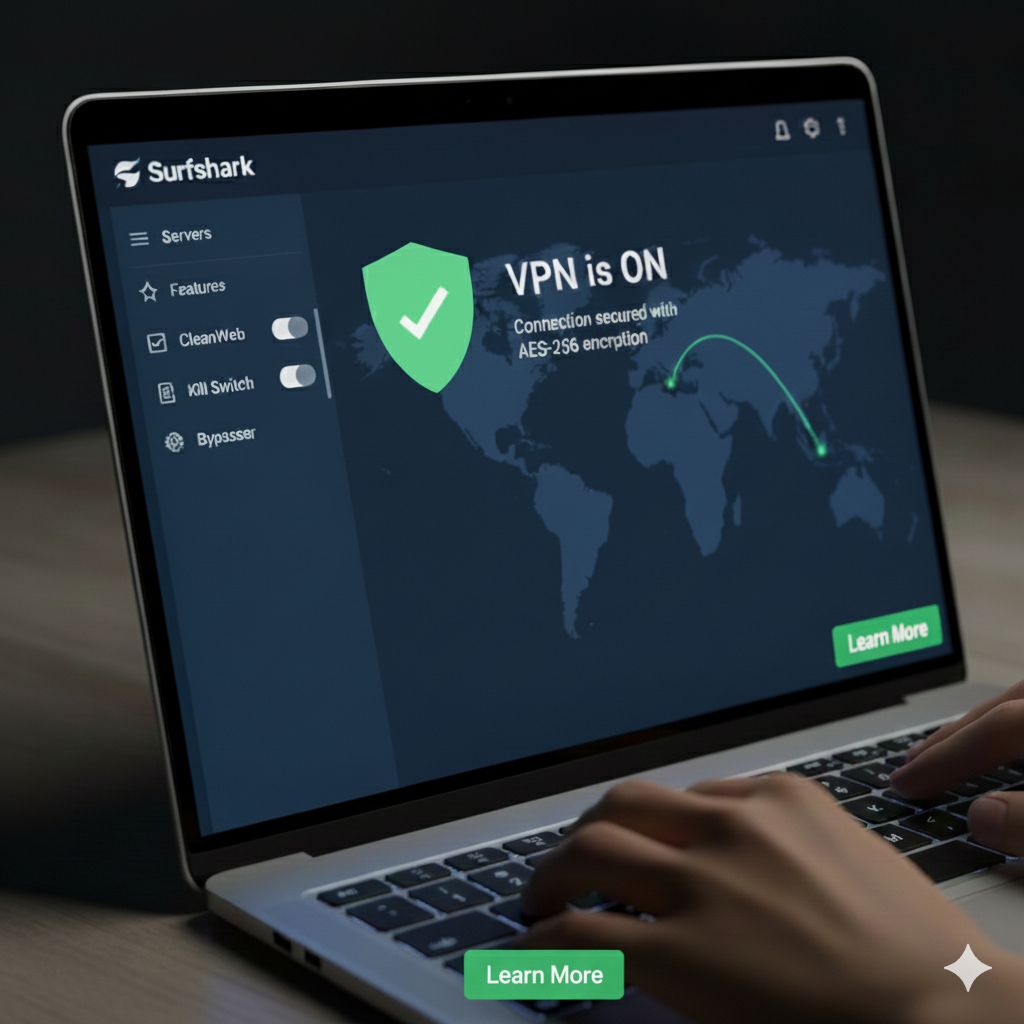
If you’re looking for a cheaper alternative to high-priced VPNs like ExpressVPN and NordVPN, this service is an excellent choice. Surfshark VPN delivers a fast, user-friendly experience that works perfectly on iOS devices for streaming, browsing, and gaming. Moreover, the app connects quickly, and settings are easily accessible with just a few taps. As a result, it provides a smooth, intuitive experience that is ideal for streaming on the go. Furthermore, it supports a wide range of devices, allowing you to secure your phone, tablet, computer, or smart TV simultaneously. Overall, it’s a top-notch VPN for iPhone users and anyone who wants a premium VPN experience without breaking the bank.
Surfshark VPN Features and Benefits
This VPN service provides powerful tools to protect your online privacy:
- Unlimited Device Connections: Protect all your devices with a single account.
- AES-256 Encryption: Keeps your data secure from hackers and trackers.
- WireGuard Protocol: Ensures fast and stable connections for streaming or gaming.
- CleanWeb: Blocks ads, trackers, and malware.
- Kill Switch: Prevents data leaks if the VPN disconnects unexpectedly.
- No-Logs Policy: RAM-only servers erase all data on reboot, ensuring privacy.
- Split Tunneling: Choose which apps or websites use the VPN.
- Surfshark One (Optional): Adds antivirus, private search, breach alerts, and device security.
- Alternative ID Feature: Generate fake personal information for online forms.
Surfshark VPN Server Locations and Coverage
Surfshark VPN operates over 4,500 servers in 100 countries, providing multiple city options for improved speed and reliability. Specialized servers like Static IP, MultiHop, and virtual servers offer extra privacy and performance. This extensive coverage ensures fast and secure connections worldwide.
Surfshark VPN Device Support
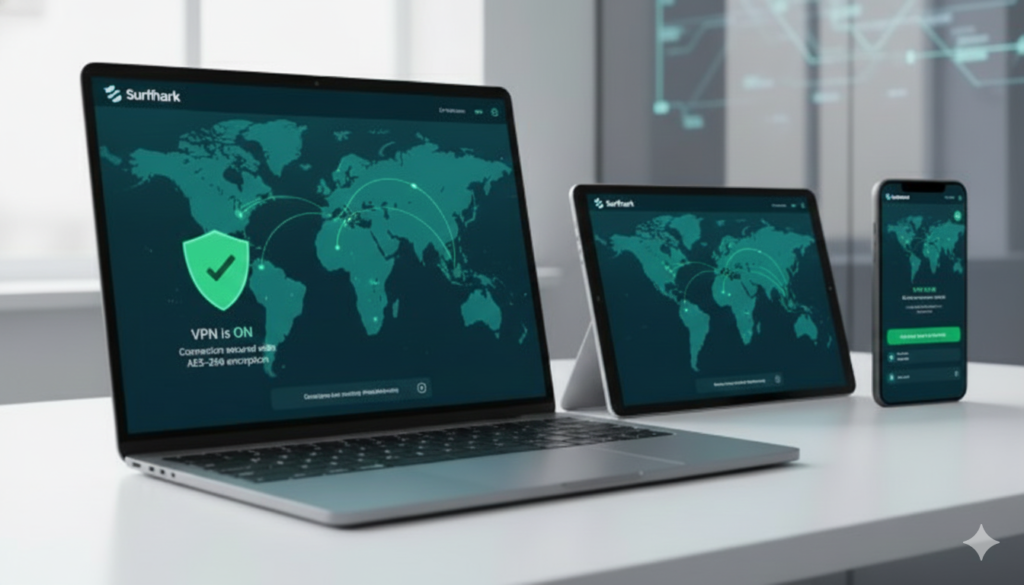
When choosing a VPN, it’s crucial to ensure it works on all your devices. Surfshark VPN supports Windows, macOS, Linux, iOS, and Android, as well as Android TV, Fire TV, and Apple TV apps.
This means you can secure your phone, tablet, computer, or smart TV with a single subscription. Moreover, unlimited simultaneous connections allow all devices to stay protected at the same time.
Mobile Devices
- iPhone (iOS)
- iPad (iPadOS)
- Android phones & tablets
Computers and Laptops
- Windows
- macOS
- Linux
TVs and Streaming Devices
- Android TV
- Fire TV Stick & Fire TV
- Apple TV
Gaming Consoles and Routers
- Install on routers to protect consoles like PlayStation and Xbox.
With unlimited simultaneous connections, you can secure all your devices at the same time.
Surfshark VPN Speed and Performance
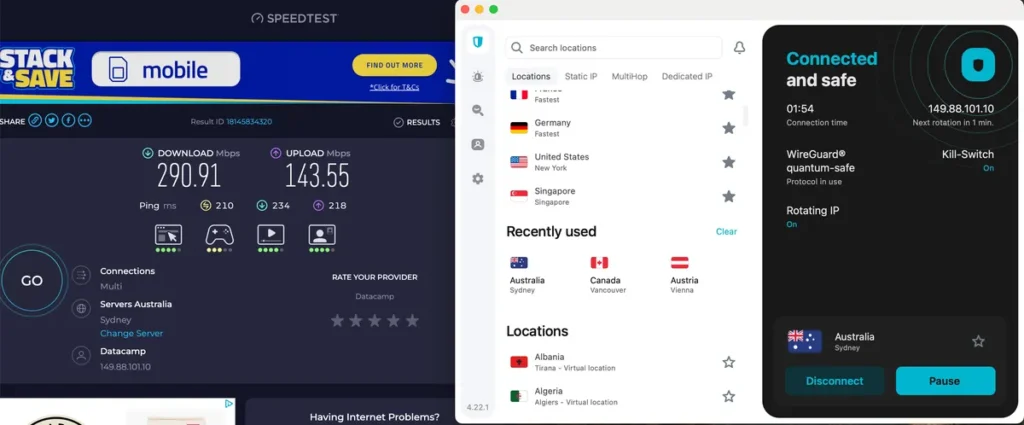
Surfshark VPN uses the WireGuard protocol to deliver fast and stable speeds. As a result, HD and 4K streaming is smooth, and online gaming shows lower lag. Even on mobile networks, Surfshark VPN stays reliable.
Speed Loss Comparison
| Provider | Speed Loss |
|---|---|
| Surfshark | 21% |
| ExpressVPN | 18% |
| NordVPN | 3% |
| PIA | 49% |
Streaming Performance
performs very well for streaming on iOS and other devices. It can unblock Amazon Prime Video, Disney+, Hulu, Netflix, and HBO Max through various global servers. With over 4,500 servers in 100 countries, Surfshark VPN gives access to a wide range of international content whether at home or traveling.
Surfshark VPN Pricing Plans
| Plan | Price | Best For |
|---|---|---|
| 1 Month | $15.45 | Short-term users |
| 12 Months | $3.19/month ($48/year first year) | Regular users |
| 24 Months | $2.25/month ($54 total first 2 years) | Best long-term value |
All plans include a 30-day money-back guarantee. Optional add-ons include Surfshark One and dedicated IP addresses.
Surfshark VPN Comparison with Other VPNs
| Feature | Surfshark VPN | NordVPN | ExpressVPN | CyberGhost VPN |
|---|---|---|---|---|
| Price (per month) | $1.99–$3.19 | $3.29–$11.95 | $8.32–$12.95 | $2.29–$12.99 |
| Servers / Countries | 4,500+ / 100 | 5,400+ / 60 | 3,000+ / 94 | 9,000+ / 91 |
| Device Connections | Unlimited | 6 | 5 | 7 |
| Encryption | AES-256 | AES-256 | AES-256 | AES-256 |
| WireGuard Protocol | Yes | Yes | No | Yes |
| Kill Switch | Yes | Yes | Yes | Yes |
| Split Tunneling | Yes | Yes | Yes | Yes |
| Streaming Support | Netflix, Disney+, HBO | Netflix, Hulu, Disney+ | Netflix, Amazon Prime | Netflix, Disney+, Hulu |
| No-Logs Policy | Yes | Yes | Yes | Yes |
Pros:
- Affordable long-term pricing
- Unlimited device connections
- Large server network
- Strong privacy and no-logs policy
- Fast speeds with WireGuard
- Works with major streaming platforms
- Easy-to-use apps
- Split tunneling on iOS
- Alternative ID feature
Cons:
- Monthly plan is expensive
- Renewal prices higher than initial offers
- Speed may fluctuate on distant servers
- Some advanced features cost extra
- Based in 14-Eyes jurisdiction (Netherlands)
Is Surfshark VPN Safe?
Yes. It combines AES-256 encryption, RAM-only servers, a no-logs policy, and a kill switch. Private DNS on all servers adds extra protection. It is suitable for travelers, remote workers, and anyone who wants online privacy.
How to Use Surfshark VPN
- Install the Surfshark VPN app on your device
- Sign in with your account
- Pick a server or use Quick Connect
- Enable CleanWeb to block ads and malware
- Browse securely and privately
Final Verdict
Surfshark VPN delivers fast performance, strong security, wide device support, and excellent streaming capabilities at an affordable price. Its unlimited device connections and user-friendly apps make it a great choice for everyday users, travelers, and streaming enthusiasts.
“Check out the official website for more details.” → Surfshark official website