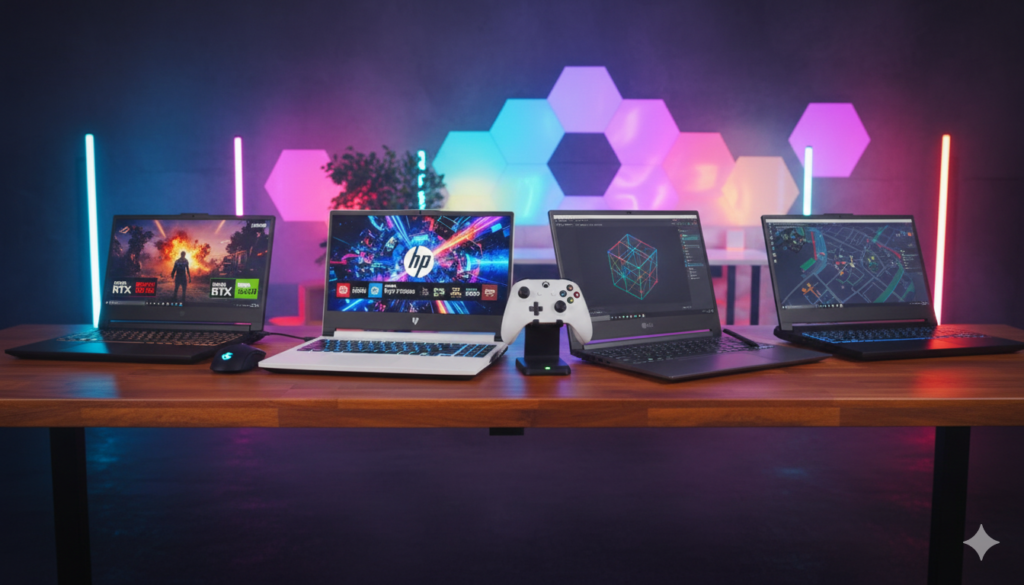
Introduction to AI Gaming Laptops
The gaming laptop market in 2026 has reached an exciting new level. Moreover, AI-enhanced features now make laptops not only powerful for AAA gaming but also efficient for creative workflows. Features like DLSS 4, AI frame generation, and dedicated NPUs improve graphics, boost FPS, and support AI workloads seamlessly. Additionally, gamers can benefit from improved thermal solutions, high-refresh displays, and portable designs that make these laptops ideal for both home and on-the-go gaming.
In this guide, we explore the best AI gaming laptops for different needs, including desktop-class gaming, creative content creation, and budget-friendly esports machines. Furthermore, we provide a comparison chart so you can quickly see the key specs and AI features.
Top AI Gaming Laptops Comparison (2025)
| Laptop | Display | CPU | GPU | RAM | Storage | Refresh Rate | AI Features | Weight | Wi-Fi |
|---|---|---|---|---|---|---|---|---|---|
| ASUS ROG Strix G16 | 16” ROG Nebula 16:10 2.5K | Intel Core Ultra 9 275HX | NVIDIA RTX 5060 | 32GB DDR5 | 1TB PCIe SSD | 240Hz / 3ms | DLSS, AI FPS Stabilization, AI Cooling | 2.4kg | Wi-Fi 7 |
| ASUS ROG Strix G16 | 16” ROG Nebula 16:10 2.5K | Intel Core Ultra 9 275HX | NVIDIA RTX 5080 | 32GB DDR5 | 1TB PCIe Gen4 SSD | 240Hz / 3ms | DLSS 3, AI Frame Generation, Adaptive Cooling | 2.5kg | Wi-Fi 7 |
| ASUS Zenbook DUO | Dual 14” OLED 3K Touch | Intel Core Ultra 9 285H | Intel Arc | 32GB | 1TB SSD | 120Hz | AI Workflow Optimization | 2.1kg | Wi-Fi 6E |
| HP Victus 15.6” | FHD | AMD Ryzen 5-7535HS | AMD Radeon RX 6550M | 8GB DDR5 | 512GB SSD | 144Hz | AI FPS Boost | 2.3kg | Wi-Fi 6 |
| LG Gram Pro 17” | 17” UHD | Intel Core Ultra 7 255H | NVIDIA RTX 5050 | 32GB | 2TB SSD | 120Hz | AI Productivity / Gaming | 1.8kg | Wi-Fi 6E |
| Lenovo Legion Pro 7i Gen 10 | 16” WQXGA | Intel Core Ultra 9 275HX | NVIDIA RTX 5080 | 64GB | 2TB NVMe SSD | 240Hz / 3ms | AI Cooling, AI FPS Stabilization | 2.7kg | Wi-Fi 7 |
Key AI Features to Look For
- NVIDIA GeForce RTX 50-Series: These GPUs boost FPS with AI upscaling and frame generation, making gameplay smoother without sacrificing visual quality.
- Dedicated NPUs (Neural Processing Units): Found in newer Intel Core Ultra and AMD CPUs, NPUs efficiently handle AI tasks, which improves battery life and accelerates creative software like video editing or 3D rendering.
- When Choosing a Laptop:
- Power vs. Portability: High-end GPUs such as the RTX 5080 or 5090 demand larger laptops. On the other hand, thin-and-light laptops are easier to travel with but offer lower peak performance.
- Screen Quality: Look for OLED or Mini-LED panels with high refresh rates (120Hz+) for smooth visuals
- Cooling Solutions: Powerful components generate heat. Therefore, check reviews for effective cooling systems to avoid thermal throttling.
ASUS Zenbook DUO
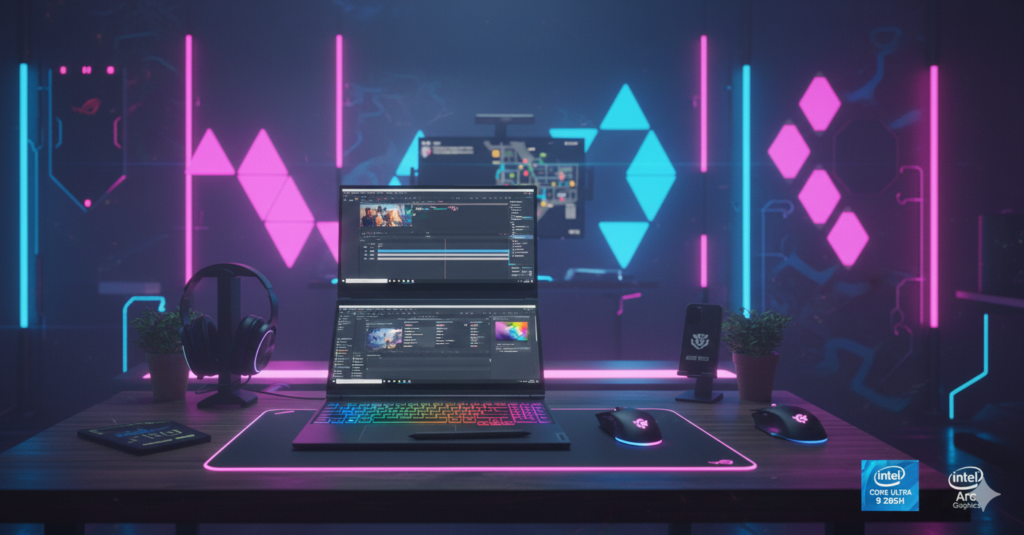
Overview:
The ASUS Zenbook DUO is built for creators, multitaskers, and casual gamers. Because it features dual 14″ OLED 3K touch displays, it’s ideal for workflows that require many windows open — for example editing video on one screen while having chat or software tools on the other. With an Intel Core Ultra 9 285H CPU, 32 GB of RAM, and 1 TB SSD, it offers strong performance for productivity, content creation, and lighter gaming.
Performance:
For indie or less demanding titles, Zenbook DUO handles medium settings well and delivers smooth gameplay. For standard productivity tasks — coding, video editing, streaming dashboards, design — the system is responsive and fast. Its dual‑screen design helps keep tools and workspaces organized, which is a big plus when multitasking or streaming.
AI at Work / Features:
Thanks to the modern Intel CPU (with built‑in AI acceleration), Zenbook DUO can run AI‑driven editing tools, real-time upscaling, and other smart features efficiently. The second screen improves your workflow: you can use side‑tools, chat windows, or editing panels there, while the main screen stays focused on the primary task.
Pro Tips / Best For:
Best for content creators, streamers, coders, or anyone who values productivity over heavy gaming. Also good for casual or indie games, streaming, and video editing on the go.
Why You Should Buy It:
- Dual 3K OLED screens — ideal for multitasking and creative work
- Strong CPU + RAM — smooth editing, streaming, and productivity
- Compact design compared with bulky gaming laptops
Why You Should Skip It:
- No high-end GPU — not suitable for AAA games at high settings
- Battery drains faster under heavy load and dual‑screen use
Real-World Use Cases:
Streamers can monitor chat, OBS, and tools on the second screen while gaming or editing on the main screen. Video editors or designers can keep palettes and timelines separate for easier workflow.
Pros:
- Dual‑screen flexibility and productivity boost
- Powerful CPU and plenty of RAM/storage
- Great portability for creators and travelers
Cons:
- Limited GPU power for demanding games
- Reduced battery life under heavy use

ASUS ROG Strix G16 (RTX 5060)
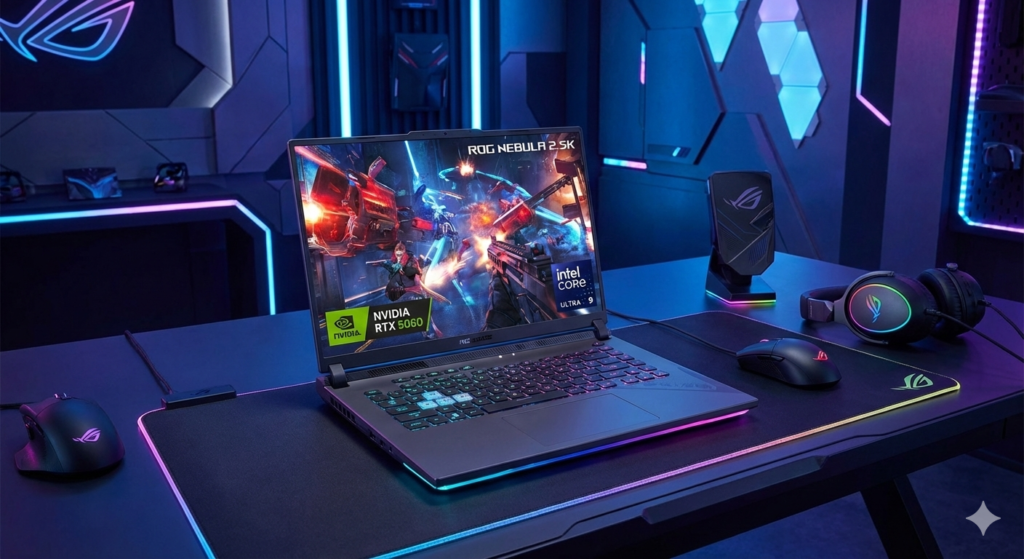
Overview:
The ASUS ROG Strix G16 balances performance and portability. Moreover, its 16” ROG Nebula 2.5K display with a 240Hz refresh rate offers sharp visuals and smooth motion. The Intel Core Ultra 9 275HX paired with RTX 5060 can handle AAA gaming, esports, and AI-assisted workflows efficiently. Additionally, 32GB DDR5 RAM ensures seamless multitasking for streaming or creative work.
Performance:
AAA titles like Cyberpunk 2077, Elden Ring, and Hogwarts Legacy run at 1440p with 80–120 FPS. In comparison, esports games such as Valorant or CS:GO reach 200+ FPS. Furthermore, the advanced cooling system maintains consistent performance even during long gaming sessions. Streaming while gaming is smooth, and switching between gaming and creative tasks is almost seamless.
AI at Work / Features:
This laptop supports DLSS, AI FPS stabilization, and adaptive cooling, which ensures smoother gameplay and stable FPS. Additionally, content creators benefit from AI-accelerated video editing, 3D modeling, and rendering.
Pro Tips / Best For:
Perfect for gamers who want solid AAA performance with AI features. Also great for casual streamers and LAN party attendees.
Why You Should Buy It:
- 2.5K 240Hz display for smooth visuals
- AI FPS and thermal optimization
- Strong AAA and esports performance
Why You Should Skip It:
- Slightly heavier than ultra-portable laptops
- RTX 5060 is less future-proof than 5080
Real-World Use Cases:
Gamers can play AAA and esports titles while streaming or multitasking. Ideal for LAN events or portable competitive gaming.
Pros:
- Excellent AAA and esports FPS
- AI-assisted cooling and FPS stabilization
- Sharp high-refresh display
Cons:
- Slightly heavy
- Limited future-proofing compared to RTX 5080

HP Victus 15.6”
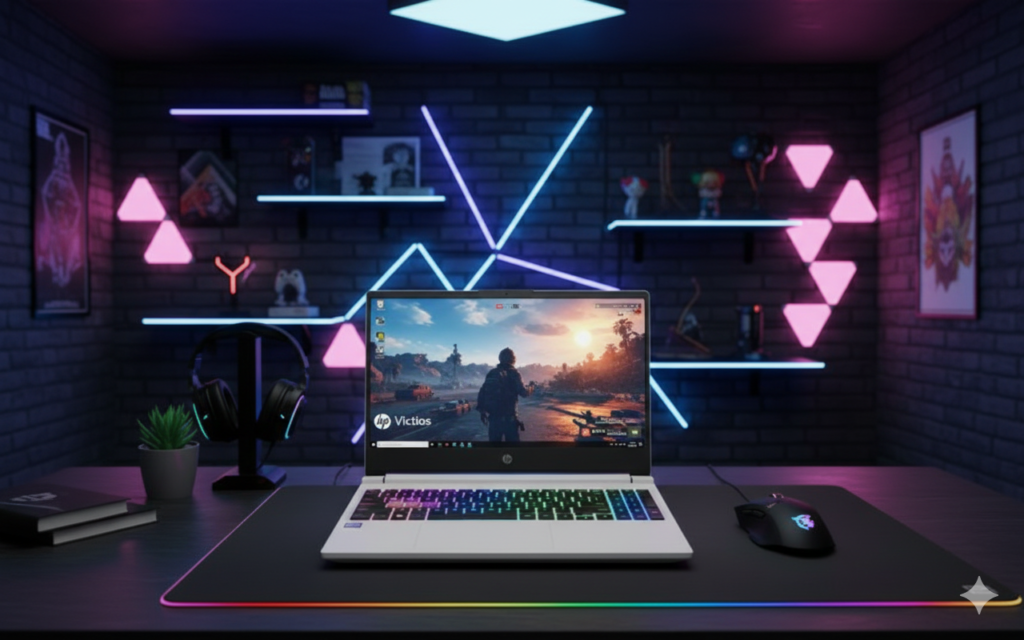
Overview:
The HP Victus 15.6” is aimed at budget-conscious gamers who want decent performance without spending much. It pairs an AMD Ryzen 5‑7535HS CPU with an AMD Radeon RX 6550M GPU, supports 144Hz refresh rate, and offers enough power for 1080p gaming and competitive esports titles on a tight budget.
Performance:
At 1080p, many AAA games run at medium-to-high settings smoothly, while esports shooters like Valorant, CS:GO, or Fortnite can hit 120–180 FPS, depending on settings. The 144Hz panel makes gameplay feel responsive and fluid. For casual gaming and competitive games, it gets the job done without major issues.
AI at Work / Features:
With Radeon’s AI FPS Boost and Radeon graphics optimizations, the Victus can stabilize frame rates and improve perceived smoothness. It’s not cutting‑edge AI performance, but it’s useful enough for budget gaming and light creative or streaming tasks.
Pro Tips / Best For:
Great for first-time gamers, students, or anyone wanting to play esports or lighter AAA games without high investment. Also acceptable for casual gaming or streaming on budget.
Why You Should Buy It:
- Affordable entry point for decent gaming
- 144Hz display supports smooth gameplay
- Compact enough for daily use
Why You Should Skip It:
- GPU and RAM limit future AAA performance
- Not suitable for high-end graphics or heavy modded games
Real-World Use Cases:
Competitive shooters, online multiplayer games, and casual AAA gaming with moderate settings — ideal if budget matters more than top graphics.
Pros:
- Cost‑effective gaming solution
- Good FPS in esports titles
- 144Hz display
Cons:
- Limited for upcoming AAA games at high settings
- Only 8 GB RAM — might need upgrade for heavy tasks

LG Gram Pro 17”
Overview:
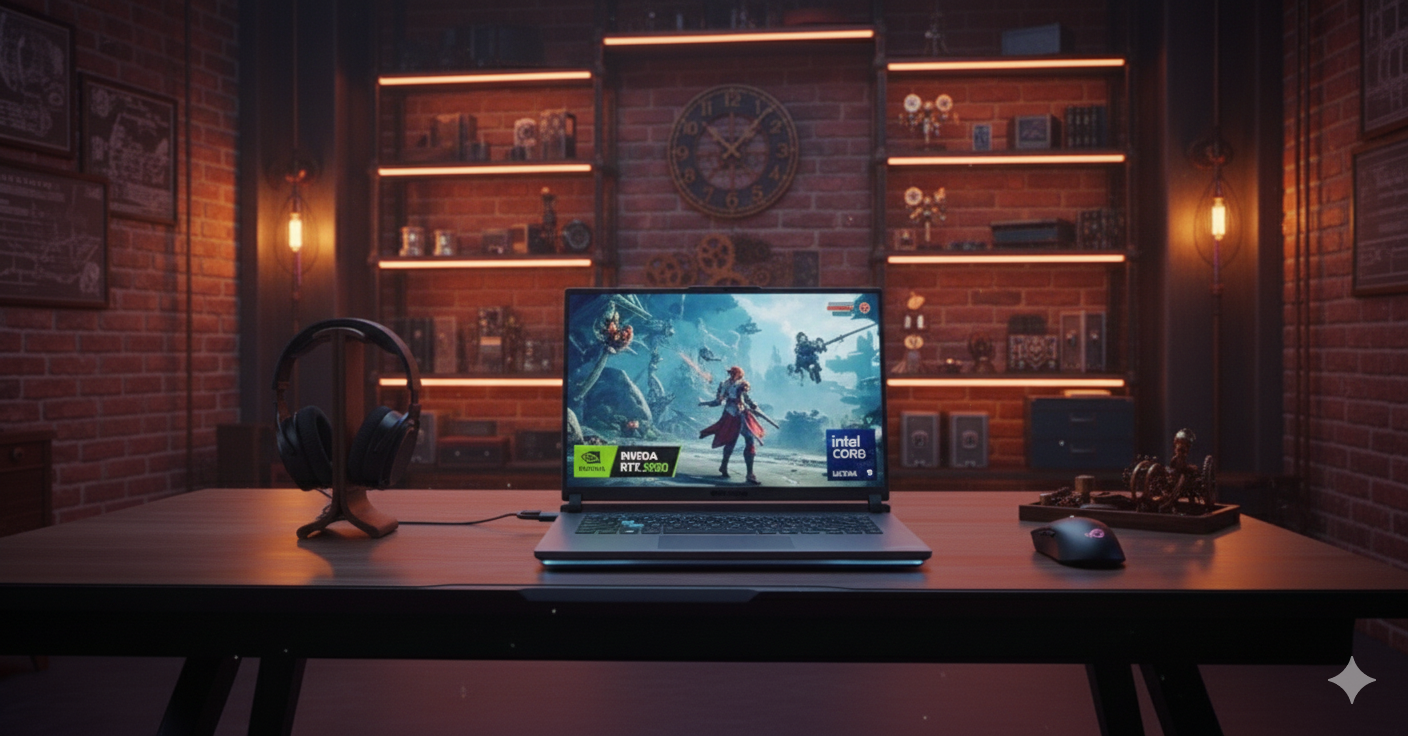
The LG Gram Pro 17” aims at creators and professionals who need a large screen, portability, and moderate GPU power. With 17” UHD display, Intel Core Ultra 7 255H CPU, NVIDIA RTX 5050 GPU, 32 GB RAM, and 2 TB SSD, it delivers a good balance of productivity and casual gaming performance — while remaining light enough for travel.
Performance:
This laptop handles everyday tasks, video editing, graphic design, and productivity workflows smoothly. For gaming, it can run AAA titles at medium settings and manage esports games with stable FPS. It may not be ideal for ultra-high settings, but for creative work and casual gaming, it offers acceptable performance.
AI at Work / Features:
Thanks to the RTX 5050 GPU and modern CPU, LG Gram Pro 17” can manage AI-assisted creative workloads — for example, rendering, editing, design software acceleration, or AI-based filters and effects. Also, its large UHD screen is great for editing content, viewing timelines, or working on detailed projects.
Pro Tips / Best For:
Creators, designers, editors, or professionals who travel often — and also want a laptop capable of casual gaming when needed.
Why You Should Buy It:
- Lightweight for a 17” machine — good portability
- Big screen + large storage — ideal for editing and content work
- Balanced performance for productivity and light gaming
Why You Should Skip It:
- GPU not strong enough for demanding games at high settings
- Refresh rate (120Hz) may feel low for competitive gaming
Real-World Use Cases:
Video editing, graphic design, travel-based work, casual gaming, streaming, and content creation on the go.
Pros:
- Large display with plenty of workspace
- Good storage and RAM for heavy projects
- Lightweight and portable
Cons:
- Limited for high-end gaming
- Refresh rate lower than competitive gaming laptops
Lenovo Legion Pro 7i Gen 10
Overview:
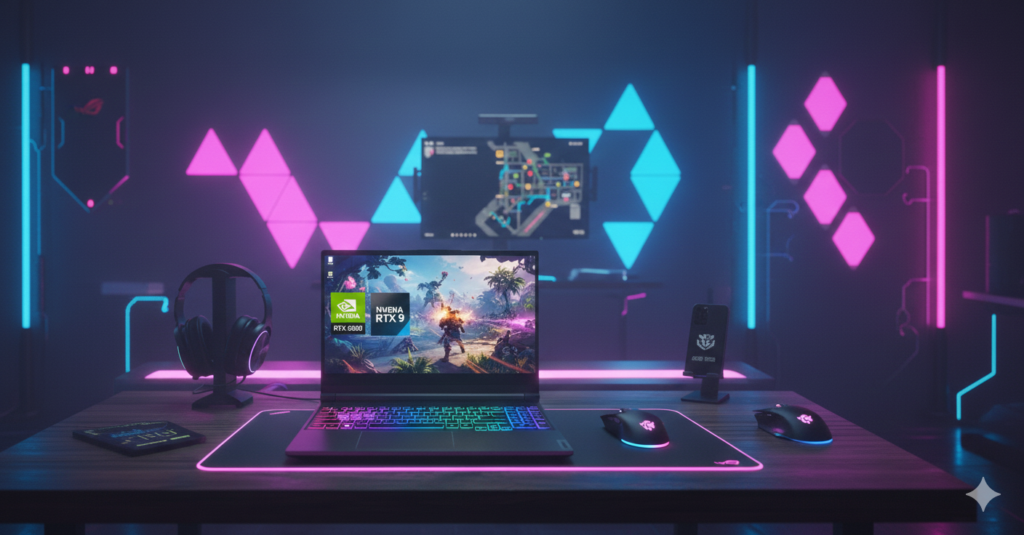
The Lenovo Legion Pro 7i Gen 10 is a high-end powerhouse designed for AAA gaming, streaming, and content creation. With Intel Core Ultra 9 275HX, NVIDIA RTX 5080 GPU, 64 GB RAM, and 2 TB NVMe SSD, it delivers top-tier performance and future-proof hardware for heavy workloads.
Performance:
At 1440p, AAA games like Cyberpunk 2077, Elden Ring, or Starfield run at ultra settings with 120–140 FPS. For esports titles, the laptop easily exceeds 240 FPS on competitive settings. It remains stable and smooth even under long sessions of gaming, streaming, or creative tasks.
AI at Work / Features:
With DLSS, AI FPS stabilisation, adaptive cooling, and frame generation support, this laptop handles both gaming and AI-assisted creative workloads with ease. Its large RAM and fast storage are ideal for video editing, rendering, streaming, and multitasking without slowdowns.
Pro Tips / Best For:
Hardcore gamers, streamers, and content creators seeking desktop-class performance and lasting performance over many years.
Why You Should Buy It:
- Desktop-level performance for AAA games
- Massive RAM and storage for multitasking and heavy workloads
- AI-assisted cooling and FPS stabilization for stable sessions
Why You Should Skip It:
- Heavy (≈ 2.7 kg) — not ideal for frequent travel
- Expensive — premium hardware comes at a premium price
Real-World Use Cases:
AAA gaming, modded open-world games, streaming, 4K video editing, 3D rendering, and any heavy-duty creative work while gaming.
Pros:
- Maximum gaming and creative performance
- Large RAM and storage — future-proofed
- AI-driven optimisations for stability and performance
Cons:
- Heavy and less portable
- Higher cost

ASUS ROG Strix G16 (RTX 5080)
Overview:
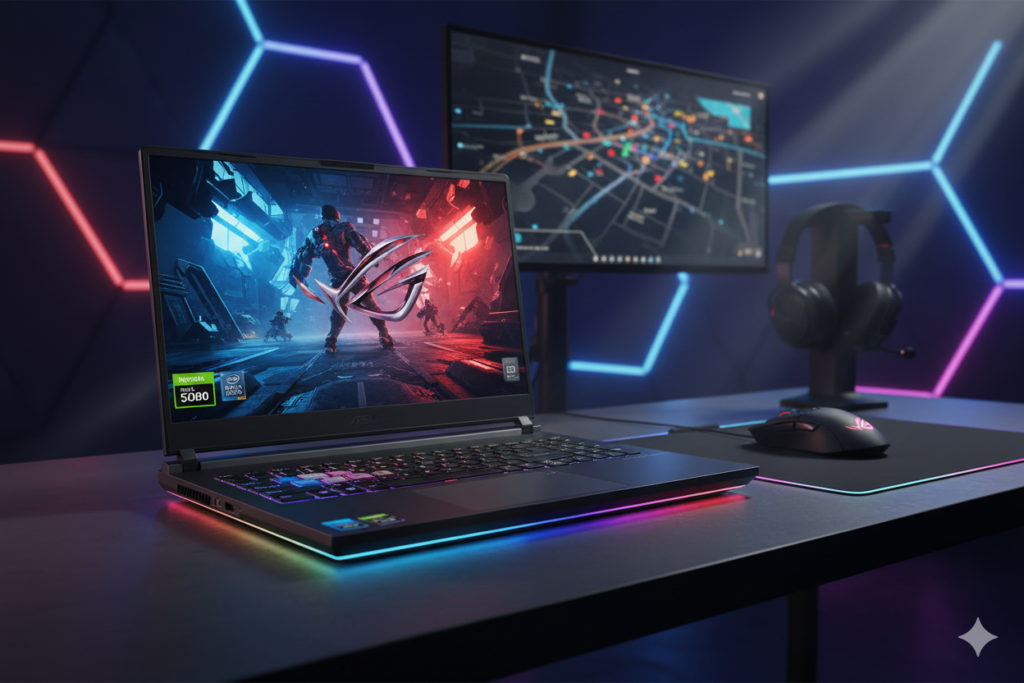
The RTX 5080 model delivers desktop-class performance in a portable chassis. Moreover, 32GB DDR5 RAM and 1TB PCIe Gen4 SSD make gaming, streaming, and creative workflows smooth. Additionally, the laptop’s advanced cooling system prevents thermal throttling even under prolonged heavy loads.
Performance:
AAA games run at ultra settings in 1440p at 100–140 FPS. Esports games reach 240+ FPS. Furthermore, multitasking and content creation are seamless, even during intensive workloads.
AI at Work / Features:
Supports DLSS 3, AI frame generation, and adaptive cooling. These features improve FPS, graphics, and stability. Additionally, video editing and 3D modeling workloads benefit from AI acceleration.
Pro Tips / Best For:
Ideal for gamers seeking premium performance with AI-assisted features, as well as content creators needing high-end rendering capabilities.
Why You Should Buy It:
- Ultra AAA gaming performance
- AI frame generation and adaptive cooling
- 2.5K 240Hz display
Why You Should Skip It:
- Heavy (~2.5kg)
- Expensive
Real-World Use Cases:
Stream, game, and create content simultaneously with AI enhancements. Moreover, competitive gamers benefit from stable high FPS in esports titles.
Pros:
- Desktop-class performance
- AI-enhanced features
- High-refresh 2.5K display
Cons:
- Heavy
- Premium price
Top Picks for Different Needs
- Best Overall / Premium: ASUS ROG Strix G16 RTX 5080
- Best Performance / Value: Lenovo Legion Pro 7i Gen 10
- Ultimate Power: ASUS ROG Strix G16 RTX 5080 / Lenovo Legion Pro 7i
- Best Compact / Creative: ASUS Zenbook DUO
- Best Budget: HP Victus 15.6”
- Best Portable Productivity: LG Gram Pro 17”
Final Verdict
The best AI gaming laptops in 2025 combine RTX 50-series GPUs, Intel Ultra CPUs, high-refresh displays, and AI-assisted features. Additionally, they cater to a wide range of gamers—from AAA enthusiasts seeking desktop-class performance to budget-conscious esports players. Moreover, AI features like frame generation and DLSS 4 enhance gameplay and creative workflows simultaneously. Whether you want portable power, premium performance, or budget-friendly options, there is a laptop that fits your needs.